
Wanderburg on Steam Deck and Linux
A cartoon keep that wants four buttons and a working Proton build.
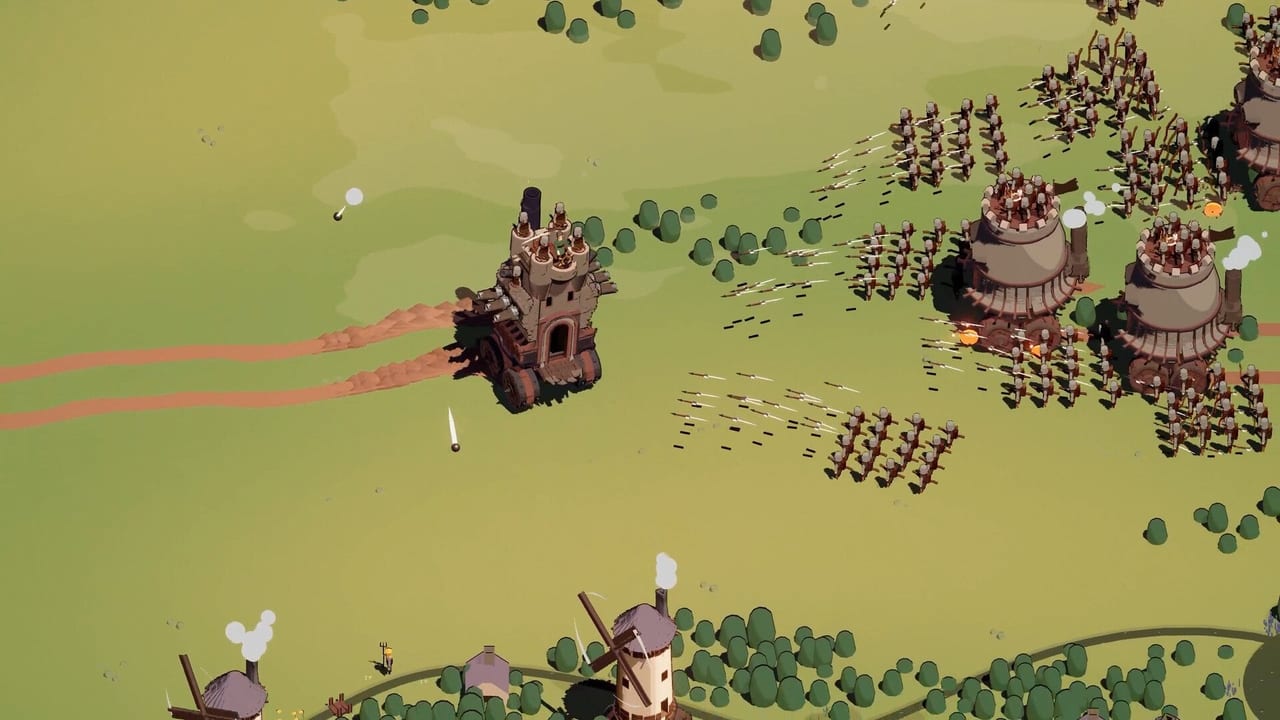
Wanderburg’s store copy promises potato PCs, handheld-readable art, and full controller support. That is why Deck and Linux players keep asking the same question: will the rolling keep actually run in my backpack? This page collects public reports. It is not a Valve Verified stamp. ProtonDB currently lists the title as Platinum with an unknown Deck Verified status. If Steam’s own Deck tab disagrees with a comment on this wiki, Steam wins.
Pair this with controls for the four-slot kit and system requirements for the published Windows minimums.
What public reports actually say
GamingOnLinux played the demo under Proton 10 and called it a delight. ProtonDB reports for the playtest and demo cluster around “works,” with a few practical footnotes rather than a wall of tinker steps. One older Ubuntu report needed Proton Hotfix after an IL2CPP load error on the default tool. A later CachyOS report on Proton 10.0-3 described a missing-audio-until-ESC-menu quirk and occasional click-to-move stalls that WASD unstuck. Those are player reports, not Randwerk patch notes.
If your first launch throws an IL2CPP failure, force a named Proton version in Steam’s Compatibility tab instead of looping the default. If audio is silent until you open the pause menu, treat it as a known-looking annoyance, not a broken install. Then go eat sheep.
Why the art style helps a 7-inch screen
Wanderburg is isometric cartoon stone, not a 4K photogrammetry mud pit. Silhouettes stay readable when the keep is small and when it is a district-sized mouth. That is the design intent behind “ready for potato” and “handheld-readable.” It does not delete the GTX 1660 Ti class line on the Steam minimum block. Try the demo walkthrough on the device you already own before you buy a dock speech.
Four ability slots map onto a controller face cluster. That is why the developers cut extra mouse-aim. On Deck, bind boost to a shoulder, ram to a face button you will not fat-finger while steering, and keep click-to-move off if the trackpads fight the stick. The loadout checklist has a line for binds on purpose.
Docked versus handheld
Handheld: sit the HUD scale where you can still read rare-upgrade colours. Demo players in German comments call out yellow versus red numbers on drafts; a tiny UI will hide that tell. Docked: a mouse plus keyboard is the desktop path from getting started. Mixed input (stick plus click-to-move) is how the keep stutters.
Thermals are a keep problem too. Fire-mage screens fill the field with particles. If the fan becomes the loudest module, drop effects before resolution. The joke is shape, not pores.
Linux desktop, not only Deck
The same Proton 10 path is what GamingOnLinux used on a desktop. This is a Windows Steam SKU running through compatibility, not a native Linux build advertised on the store. Do not write “native SteamOS port” into a wishlist comment. If a future patch adds a native build, it will land on updates after Steam says so.
The video in the middle of this page is a public demo capture of the rolling fortress, useful as a picture of the loop you are trying to drive on a handheld. It is not a Deck overlay tutorial. Pause it when the keep turns slowly. That pause is your shoulder-button test.
What we will not claim
We will not stamp Verified. We will not invent a TDP number. We will not promise that a 4 GB RAM minimum feels comfortable next to Chrome. We will say: public reports are optimistic, the art style is on your side, and the Early Access build on 8 September 2026 can still change the Proton story. Recheck ProtonDB and the Steam Deck tab that week.
If the keep launches and the stick mapping is wrong, rebind before you blame the desert biome. Sand will not fix a missing boost.
Frequently Asked Questions
Quick answers to the most common Wanderburg questions.
Is Wanderburg Steam Deck Verified?
Not on this wiki. ProtonDB listed the status as unknown when we last checked. Use Steam's Deck tab.
Which Proton version should I try first?
Public write-ups mention Proton 10 working for the demo. If IL2CPP fails to load, force Proton Hotfix or Experimental.
Can I play with only the Deck trackpads?
You can, but timed actives want buttons. See controls. Mix pads and WASD only if you like stutter.
Will Early Access change Deck performance?
It might. Extra biomes and vehicles are part of the 8 September 2026 pitch. Recheck after that date.